Subscribe to receive our daily tech reviews
Lorem ipsum dolor sit amet, consectetur adipiscing elit ut liqua purus sit amet luctus venenatis, lectus magna.




How to Create Professional-Looking Videos on a Budget
Engage your audience with budget-friendly video marketing! Use strategic planning, affordable tools, and storytelling to create quality videos that boost your brand.

Keeping costs low while standing out in a crowded market is a constant challenge. Video marketing offers an effective way to grab attention, boost brand recognition, and engage potential customers on a deeper level. The best part? You don’t need a massive budget to produce high-quality, professional-looking videos that strengthen your marketing strategy. By leveraging affordable tools and innovative techniques, you can create videos that resonate with your audience and showcase your brand story. You can create impactful videos without stretching your finances or sacrificing quality.
1. Plan Your Video Content Strategically
Start with a clear vision. What is the main message you want to convey? Identify your target audience and choose a topic that resonates with them. Whether showcasing a product or sharing a client testimonial, planning helps avoid unnecessary costs and wasted time.
Pro Tip: Create a storyboard to visualise your video before filming. It ensures you stick to the script and makes editing more accessible later.
2. Make the Most of Your Smartphone
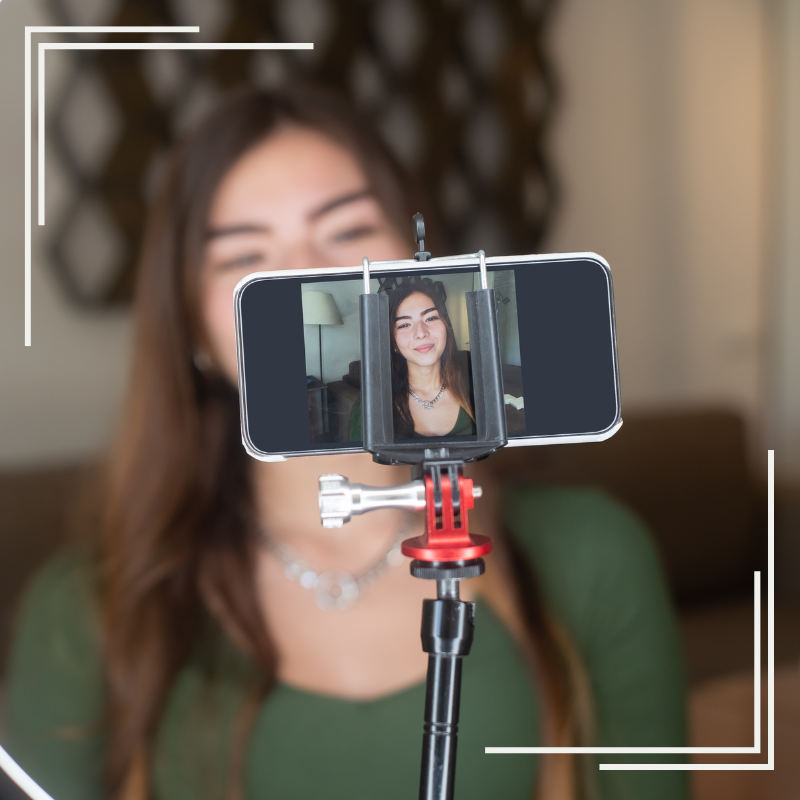
The latest smartphones have advanced camera capabilities. You don't need an expensive camera to capture professional-looking footage. Learn how to adjust basic settings like resolution and frame rate to improve quality.
To get the most out of your smartphone:
- Stabilise your shots using a tripod.
- Shoot in a well-lit area or use affordable ring lights.
- Clean your lens before recording to avoid blurry footage.
3. Utilise Free and Affordable Editing Software
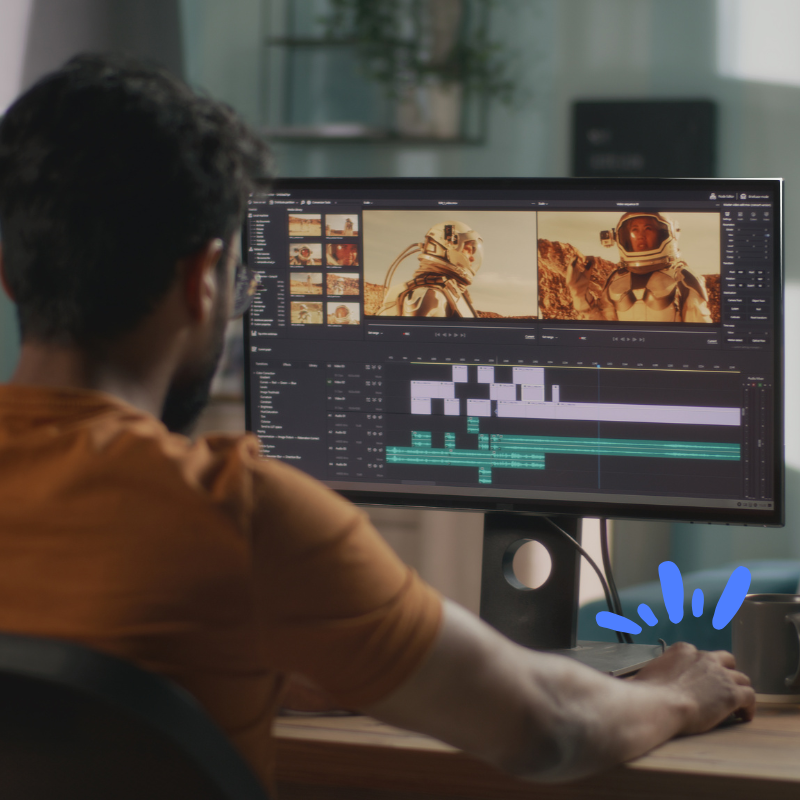
High-end video editing software can be expensive, but there are budget-friendly options that deliver professional results. Platforms like Canva, InVideo, and CapCut offer easy-to-use tools that allow you to trim, merge, and add visual effects without a steep learning curve.
Explore built-in templates and drag-and-drop features that simplify editing. Canva, for instance, is excellent for creating engaging intros and outros with branded graphics.
4. Integrate Visual Storytelling Techniques
Visual storytelling can transform your video from average to exceptional. The goal is to evoke emotion and build a deeper connection with viewers. Incorporate a mix of images, video clips, and text overlays to tell a cohesive story.
For example, if you’re promoting a product, show it in action and include a customer’s reaction. This approach highlights real-world benefits, helping potential customers picture themselves using it.
5. Invest in Simple Equipment
While your smartphone is powerful, a few low-cost tools can elevate your video quality. Consider investing in:
- Tripod: Ensures stable shots.
- External Microphone: Improves sound quality, making your video more professional.
- Lighting: Affordable LED lights or softboxes provide even lighting for better visuals.
These items won’t break the bank but make a significant difference in the final result.
6. Keep Videos Concise and Engaging
Attention spans are short, so aim to deliver your main points within the first few seconds. Structure your content to keep viewers engaged from start to finish.
Break your video into sections:
- Hook: Capture attention immediately.
- Body: Present your main content in an engaging format.
- Call to Action (CTA): Direct viewers to subscribe, visit your website, or follow your social media.
7. Leverage Music and Sound Effects
Audio can create an emotional connection. Choose music that fits the mood of your video. Platforms like Animoto offer royalty-free music libraries that pair well with video storytelling. Make sure your background music doesn’t overpower the dialogue or main content.
8. Optimise Your Videos for Social Media
Social media is a crucial channel for video marketing. To maximise impact, optimise your video format for different platforms. Vertical or square videos perform better on platforms like Instagram and Facebook.
Use captions or subtitles for better accessibility. Many people watch videos without sound, so adding text ensures your message gets across.
9. Repurpose Existing Content
Save time and money by repurposing your current content. Turn blog posts into explainer videos or transform customer feedback into testimonial clips. This strategy makes content creation more efficient.
10. Test and Improve
Finally, monitor the performance of your videos. Track metrics like views, shares, and engagement rates. Understanding what works best helps you refine your future content.
Pro Tip: Use A/B testing to compare different video styles or formats and see which resonates more with your audience.
Creating professional-looking videos doesn’t require a huge budget. With thoughtful planning, innovative tools like Canva, InVideo, and CapCut, and a focus on storytelling, small business owners can create impactful videos that capture attention and drive results.